
How to listen to local radio on a smart speaker
What to say, what to do when your speaker plays the wrong thing, and how to make us a one-word request.
2 min read
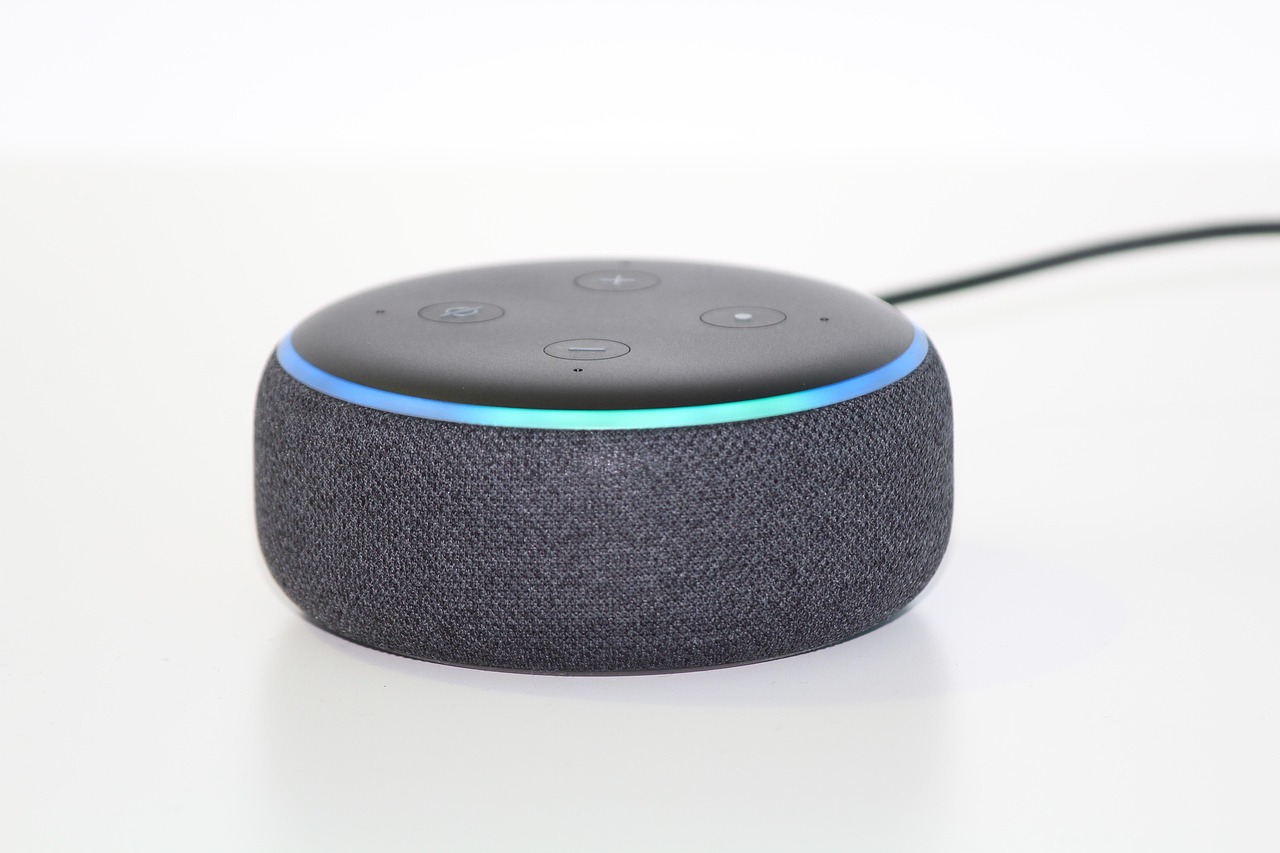
More radio is now heard through smart speakers than through websites and apps put together. If there's one on your kitchen worktop, it's the easiest way to have us on while you get on with your day: no buttons, no screens, just ask.
What to say
Start with the station's full name: "Alexa, play Stamford and Peterborough Sound." Say it clearly and not too fast. Long names with an "and" in the middle can trip speakers up, so if you hear something else, stop it and try again a little slower.
If that doesn't work, try adding "radio" on the end: "Alexa, play Stamford and Peterborough Sound radio." That tells the speaker you want a station rather than a song or a playlist with a similar name.
When it plays the wrong thing
Speakers guess. If yours keeps finding a different station, a podcast or a song, there are a few things worth trying:
- Say the whole name every time, including "Peterborough". The short version is more likely to match something else.
- Check the speaker's app on your phone. It usually shows what it thought you asked for, which tells you which word it misheard.
- Ask on a different speaker or in a quieter room. Kitchens with the extractor fan on are hard work for a microphone.
If none of that works, tell us which speaker you have and what it played instead. It helps us sort it out for everyone.

Make it one word
Most speaker apps let you set up a routine: a short phrase you choose that does something longer. Set one up so that "Alexa, local radio" plays Stamford and Peterborough Sound. Older relatives find this much easier than remembering a long name, and it's a nice thing to set up for someone on a visit.
Other ways to listen
No smart speaker? Press Listen live at the bottom of any page on this website. It works on phones, tablets and computers, with no app and no account. Our How to listen page has every way, including in the car.